What Is Base64 Encoding? (And When to Use It)
Base64 shows up everywhere in development — data URIs, email attachments, API tokens, JSON payloads — and it's often misunderstood. This guide explains what Base64 actually does, the one myth to unlearn, and when reaching for it makes sense.
You can encode or decode text and files instantly with the Base64 Encoder / Decoder, which runs entirely in your browser.
The core idea
Computers store everything as bytes (binary). But many systems — email, URLs, JSON, XML — were designed to carry text, and they can choke on raw binary or special characters. Base64 solves this by re-expressing binary data using only 64 "safe" characters: A–Z, a–z, 0–9, + and / (with = for padding).
In short: Base64 makes binary data safe to transport as plain text.
How it works (the short version)
Base64 takes your data 3 bytes (24 bits) at a time and splits those 24 bits into four 6-bit chunks. Each 6-bit chunk (a value from 0–63) maps to one of the 64 characters. If the data doesn't divide evenly into 3-byte groups, = padding is added at the end.
Because 3 bytes become 4 characters, Base64 output is about 33% larger than the original. That size cost is the price of text-safety.
⚠️ The big myth: Base64 is NOT encryption
This is the most important thing to understand. Base64 is encoding, not encryption:
- It uses no key and provides no secrecy. Anyone can decode it instantly (try it in the Base64 Encoder / Decoder).
- "Base64-encoding a password" hides it from nobody. It's reversible by design.
Use Base64 for transport, never for security. If you need secrecy, you need real encryption; if you need integrity/fingerprinting, you need hashing.
When to use Base64
-
Data URIs — embedding a small image or font directly in HTML/CSS:
data:image/png;base64,iVBOR.... Saves an HTTP request for tiny assets. - Email attachments (MIME) — email is a text protocol, so attachments are Base64-encoded under the hood.
- Embedding binary in JSON/XML — when an API must carry a file or bytes inside a text field.
-
Basic Auth headers —
Authorization: Basic <base64 of user:pass>(note: this is encoding for transport, which is exactly why Basic Auth must run over HTTPS). - Storing small binary blobs in places that only accept text.
When NOT to use it
- For security — see above. It hides nothing.
- For large files — the 33% bloat and memory cost add up. Prefer proper binary transfer for big payloads.
- As a checksum — use a hash for that.
URL-safe Base64
Standard Base64 uses + and /, which have special meanings in URLs. URL-safe Base64 swaps them for - and _ so the string can sit in a URL or filename without escaping. JWTs, for example, use URL-safe Base64. If a decoded value looks wrong, check whether it's the URL-safe variant.
Try it
The Base64 Encoder / Decoder lets you:
- Encode text (or a file) to Base64
- Decode Base64 back to the original
- Do it all locally — your input never leaves your browser, which matters if you're decoding anything sensitive
Frequently asked questions
Is Base64 secure? No. It's trivially reversible with no key. It's for safe transport, not secrecy.
Why is my Base64 string longer than the original? By design — it's roughly 33% larger because every 3 bytes become 4 characters.
What does the = at the end mean?
Padding, added when the input length isn't a multiple of 3 bytes. One or two = characters keep the output length valid.
Why won't my Base64 decode?
Common causes: it's the URL-safe variant (-/_ instead of +//), it has whitespace/line breaks, or the padding is missing. Paste it into the decoder to check.
Base64 is a workhorse for moving binary data through text-only systems — just remember it's a transport format, not a lock. Encode and decode freely with the Base64 Encoder / Decoder.
Tags:
Related Articles
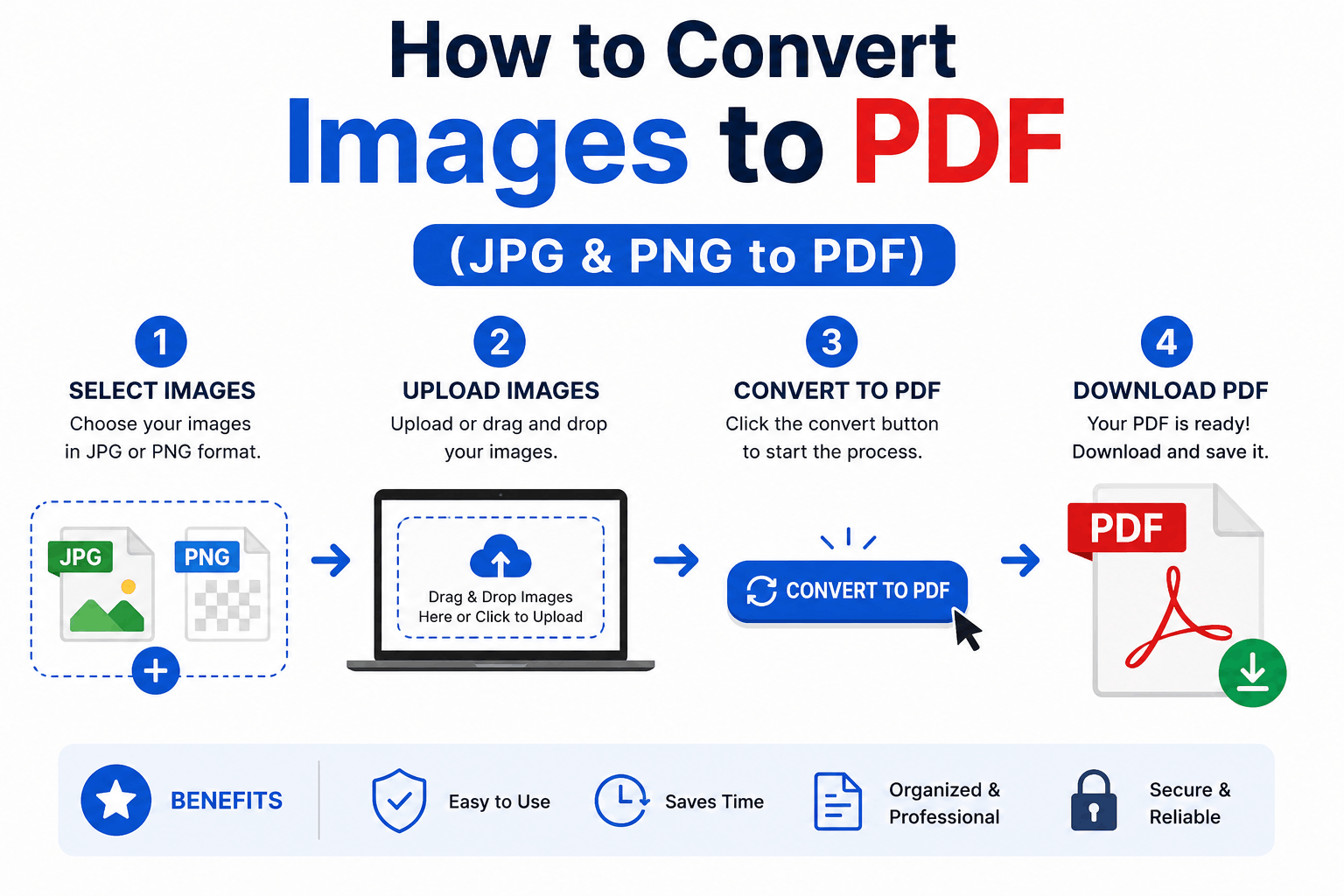
How to Convert Images to PDF (JPG & PNG to PDF)
Turn one or many JPG, PNG or WebP images into a single, tidy PDF — with the right page order, size and margins. Free and entirely in your browser.
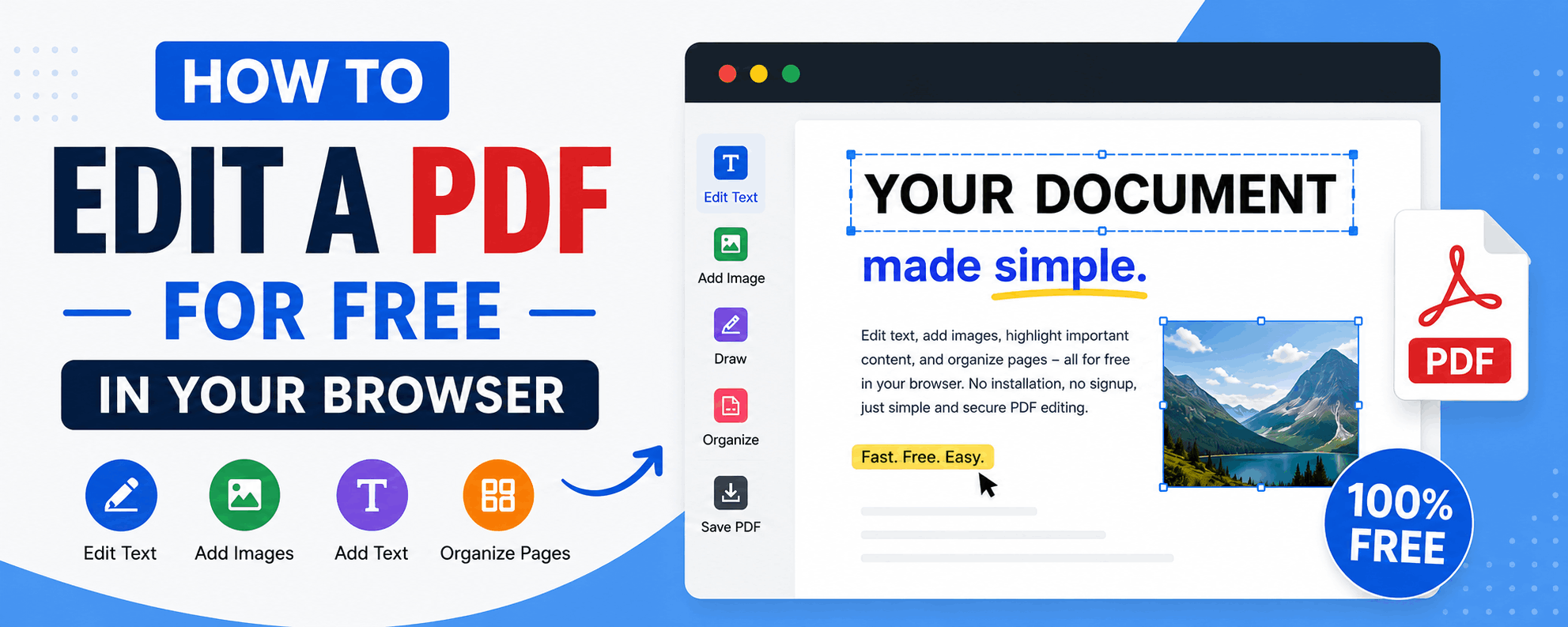
How to Edit a PDF for Free in Your Browser
Reorder, rotate and delete pages, add text and highlights, sign documents and fill forms — all for free in your browser, with no upload and no watermark.
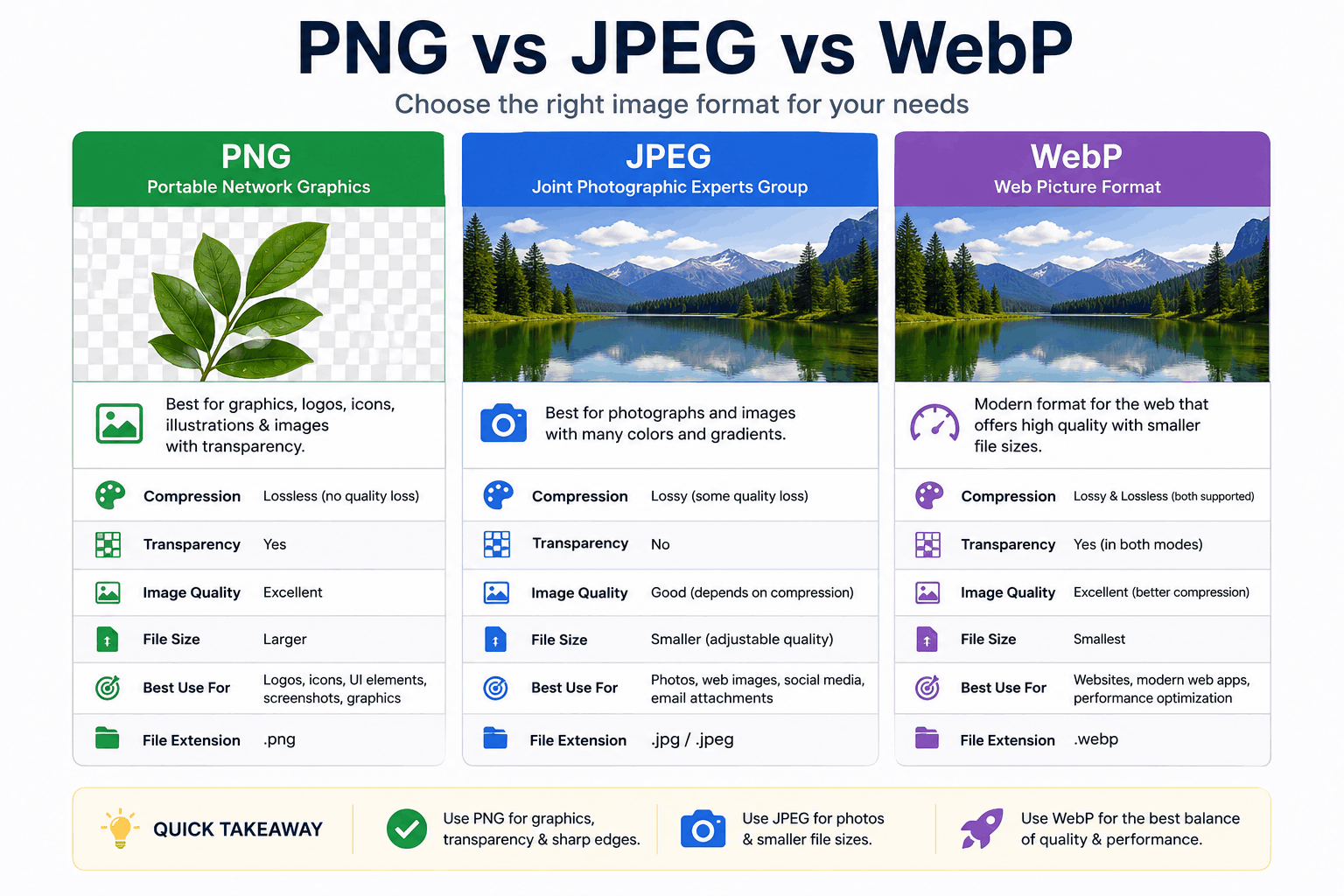
PNG vs JPEG vs WebP: Which Image Format Should You Use?
PNG, JPEG and WebP each win in different situations. Here's a clear, practical breakdown of when to use each — with real guidance on quality, transparency, and file size.