Free Online Tools That Never Upload Your Files

Edit PDFs, compress images, convert formats and count words — everything runs in your browser, so your files and text never leave your device. No uploads. No sign-up. No limits.

100% client-side 23 free tools No uploads No sign-up

Private by Design — and You Can Verify It

Most "free online tools" upload your files to their servers and process them there. These tools work differently: the processing happens on your machine, in your browser.

Everything runs on your device

PDFs, images and text are processed with in-browser technology (WebAssembly, canvas, Web Crypto). Your files are never sent to a server — there's no server-side processing at all.

Don't trust — verify

Open your browser's DevTools Network tab while using any tool: you'll see no file ever leaves your machine. Or load a tool, disconnect from the internet, and keep working — it still runs.

Nothing stored, nothing to leak

No accounts, no file storage, no processing queue. When you close the tab, your data is gone from memory — there's simply nothing on our side that could be breached or sold.

From the Blog

Guides on formats, files and the tools themselves

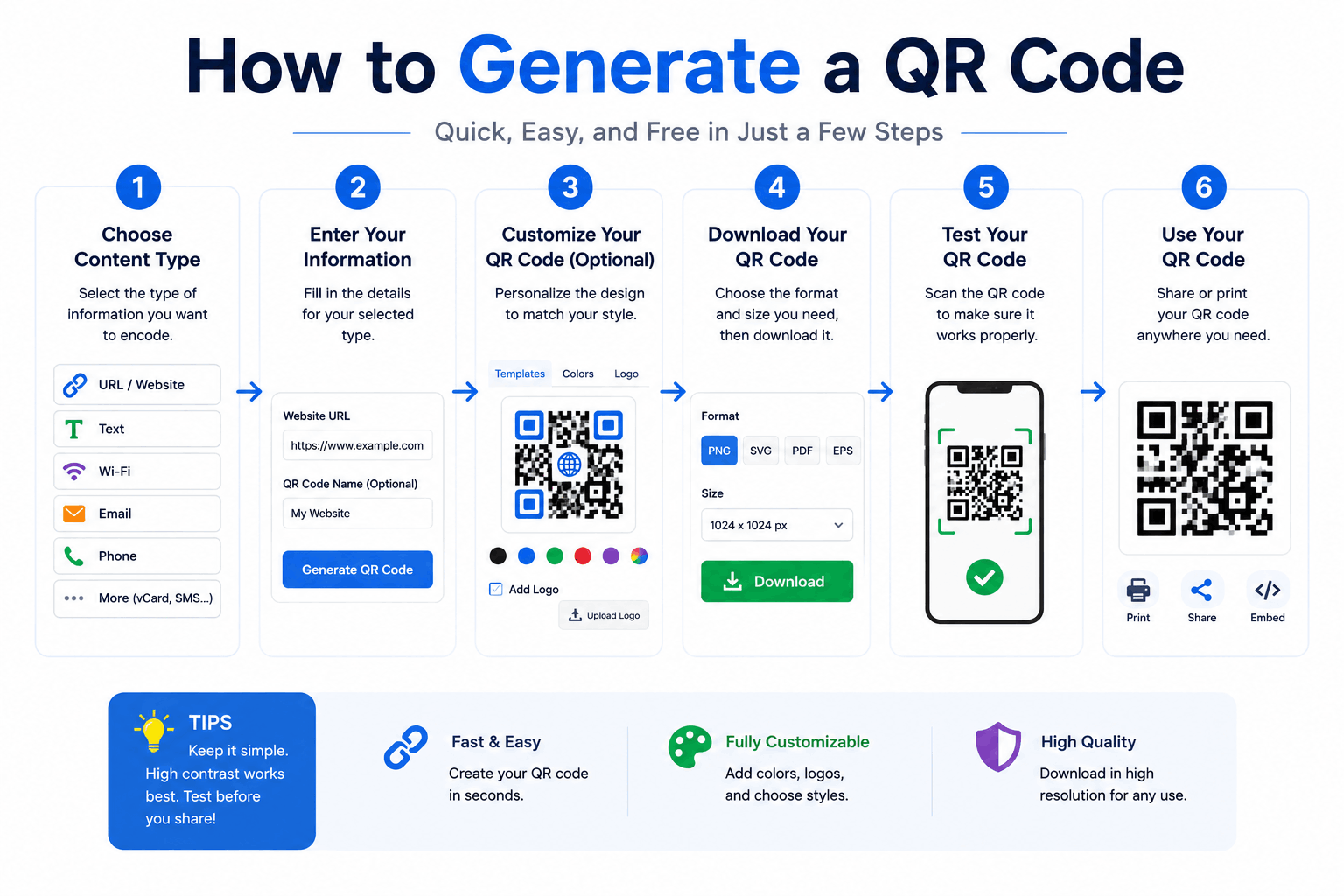
How to Generate a QR Code (Free, No Expiry)
Guides

How to Generate a QR Code (Free, No Expiry)

Create QR codes for links, WiFi, text and more — and learn the practical tips (size, contrast, error correction) that make them actually scan reliably.
How to Edit a PDF for Free in Your Browser
Guides

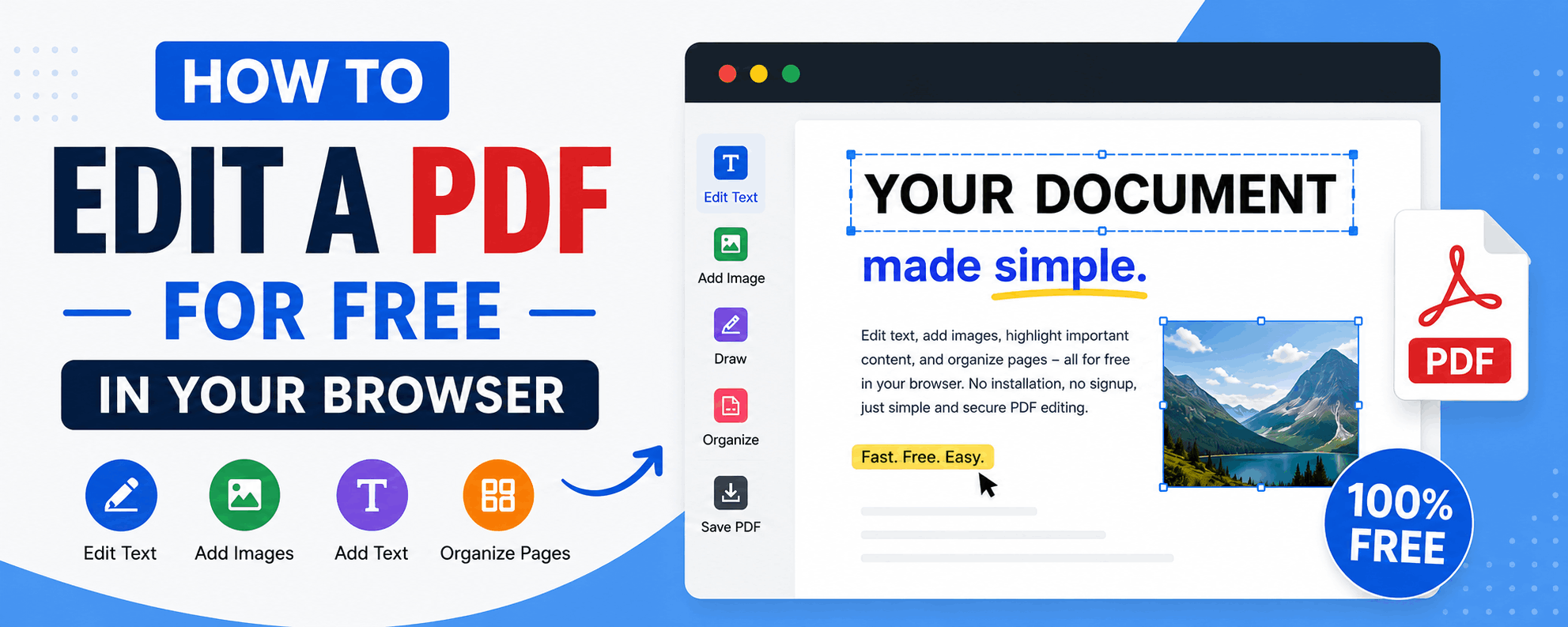
How to Edit a PDF for Free in Your Browser

Reorder, rotate and delete pages, add text and highlights, sign documents and fill forms — all for free in your browser, with no upload and no watermark.

Need a Break?

Word games for Thai language lovers — a new puzzle every day.

Stay in the Loop

Get notified when new tools and guides ship. No spam, unsubscribe anytime.

No spam. Unsubscribe anytime.