How to Create a Strong Password (and Why Length Beats Symbols)
Almost everyone has been taught to build passwords the wrong way. We add a capital letter, swap an a for an @, stick a 1 on the end, and feel secure. Attackers know all of these tricks — they're the first things automated cracking tools try. This guide explains what actually makes a password hard to break, and how to make one properly.
You can generate strong passwords right now with the free, browser-based Password Generator — every password is created on your device and never sent anywhere.
What "strong" really means
A password's strength is about one thing: how many guesses an attacker would need to find it. We measure that in entropy, in bits. Each extra bit doubles the number of possibilities. Roughly:
- Under 40 bits — weak; crackable quickly.
- 60 bits — reasonable for most accounts.
- 80+ bits — very strong; infeasible to brute-force with today's hardware.
Two things drive entropy: how many possible characters each position could be (the pool), and how many positions there are (the length). The formula is entropy = length × log2(pool size).
Why length beats symbols
Here's the part most advice gets wrong. Look at what each choice actually buys you:
- Adding symbols grows the pool from 62 characters (letters + digits) to about 90. That raises entropy per character from ~5.95 bits to ~6.5 bits — a small bump.
- Adding length multiplies. Every extra character adds another ~6 bits, no matter what.
So a 20-character password using only letters and numbers (~119 bits) is dramatically stronger than a 10-character password stuffed with symbols (~65 bits). If a site won't accept certain symbols, don't worry — just make the password longer. Length is the cheapest, most reliable strength you can buy.
There's a second reason to prefer length: P@ssw0rd! looks complex to a human, but its substitutions are completely predictable to software. Real strength comes from randomness, not from clever-looking swaps.
The randomness trap
A password is only as strong as its unpredictability. If it's based on a word, a date, a name, or a keyboard pattern, its real entropy is a tiny fraction of what its length suggests — because the attacker doesn't guess character by character, they guess patterns first.
This is also why the source of randomness matters. Generating passwords with JavaScript's Math.random() is a subtle mistake: it's fast but predictable, and not designed for security. A proper generator uses the Web Crypto API (crypto.getRandomValues), the same cryptographically secure randomness browsers use for encryption keys. The Password Generator uses Web Crypto and draws each character with rejection sampling, so there's no statistical bias toward any character.
Three rules that matter more than complexity
- Length first. Aim for 16+ characters. For accounts you care about, 20+.
- Unique per account. The biggest real-world risk isn't brute force — it's credential stuffing, where a password leaked from one site is tried everywhere else. A unique password per site contains the damage to one account.
- Use a password manager. You can't remember dozens of long random passwords, and you shouldn't try. A password manager generates, stores and fills them, so "strong and unique everywhere" becomes effortless. You only memorize one strong master password.
Do it privately
The irony of many online password generators is that you're trusting a stranger's server with a secret at the exact moment you're trying to be secure. There's no need. Generating a password requires no server at all — it's pure math your browser can do locally.
The Password Generator runs entirely in your browser: nothing is transmitted, logged, or stored, and it keeps working even if you disconnect from the internet after the page loads. Pick a length, hit generate, copy it into your password manager, and you're done — a genuinely strong password that never left your device.
Related Articles
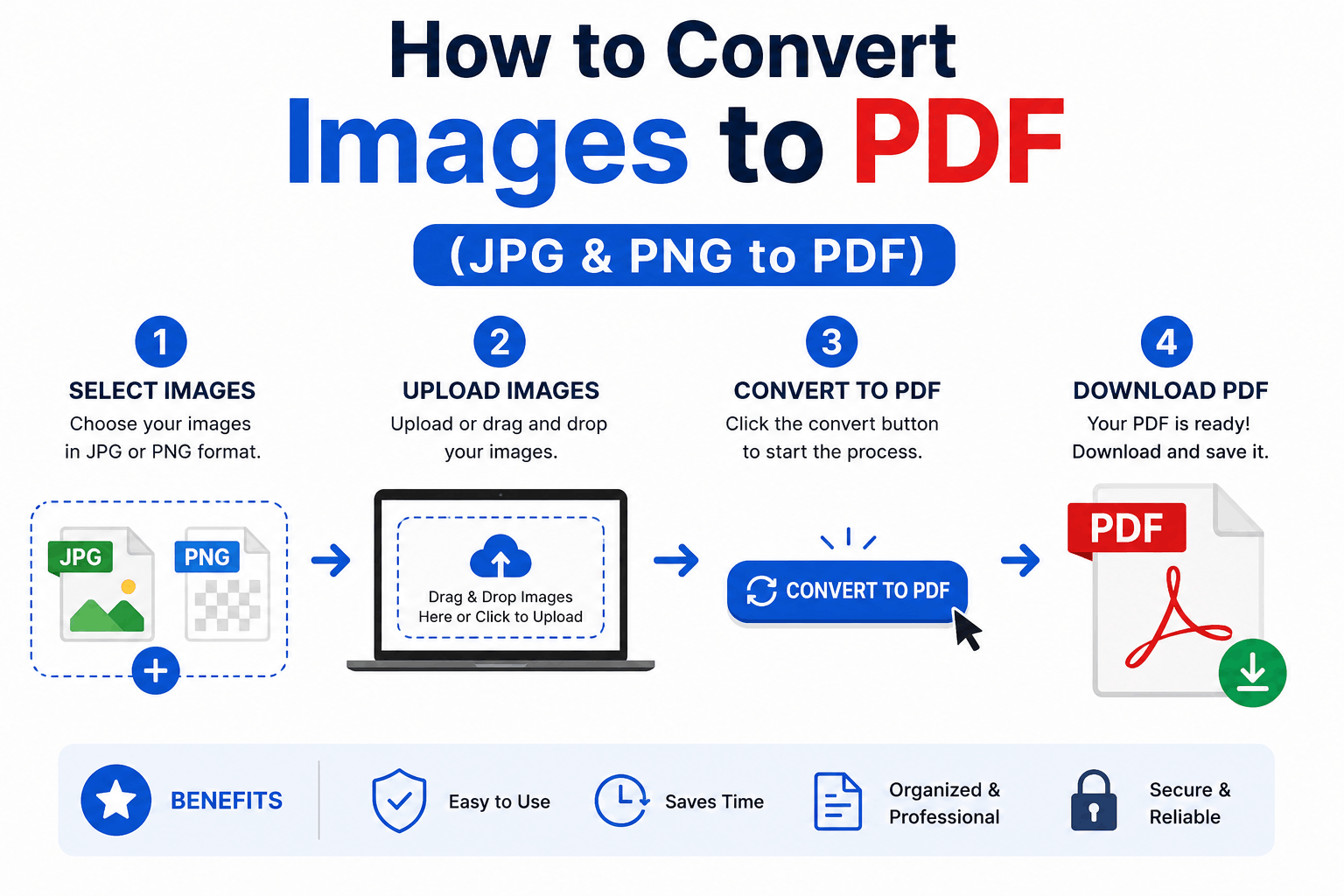
How to Convert Images to PDF (JPG & PNG to PDF)
Turn one or many JPG, PNG or WebP images into a single, tidy PDF — with the right page order, size and margins. Free and entirely in your browser.
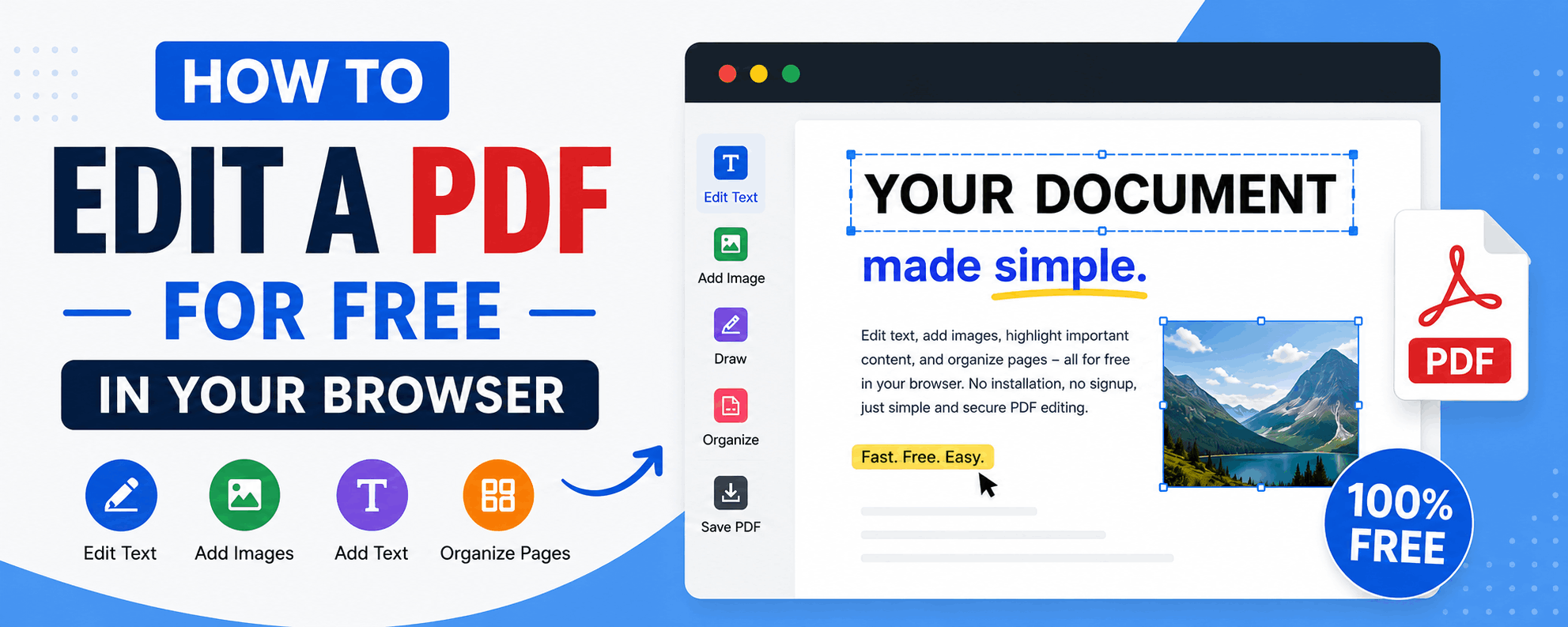
How to Edit a PDF for Free in Your Browser
Reorder, rotate and delete pages, add text and highlights, sign documents and fill forms — all for free in your browser, with no upload and no watermark.
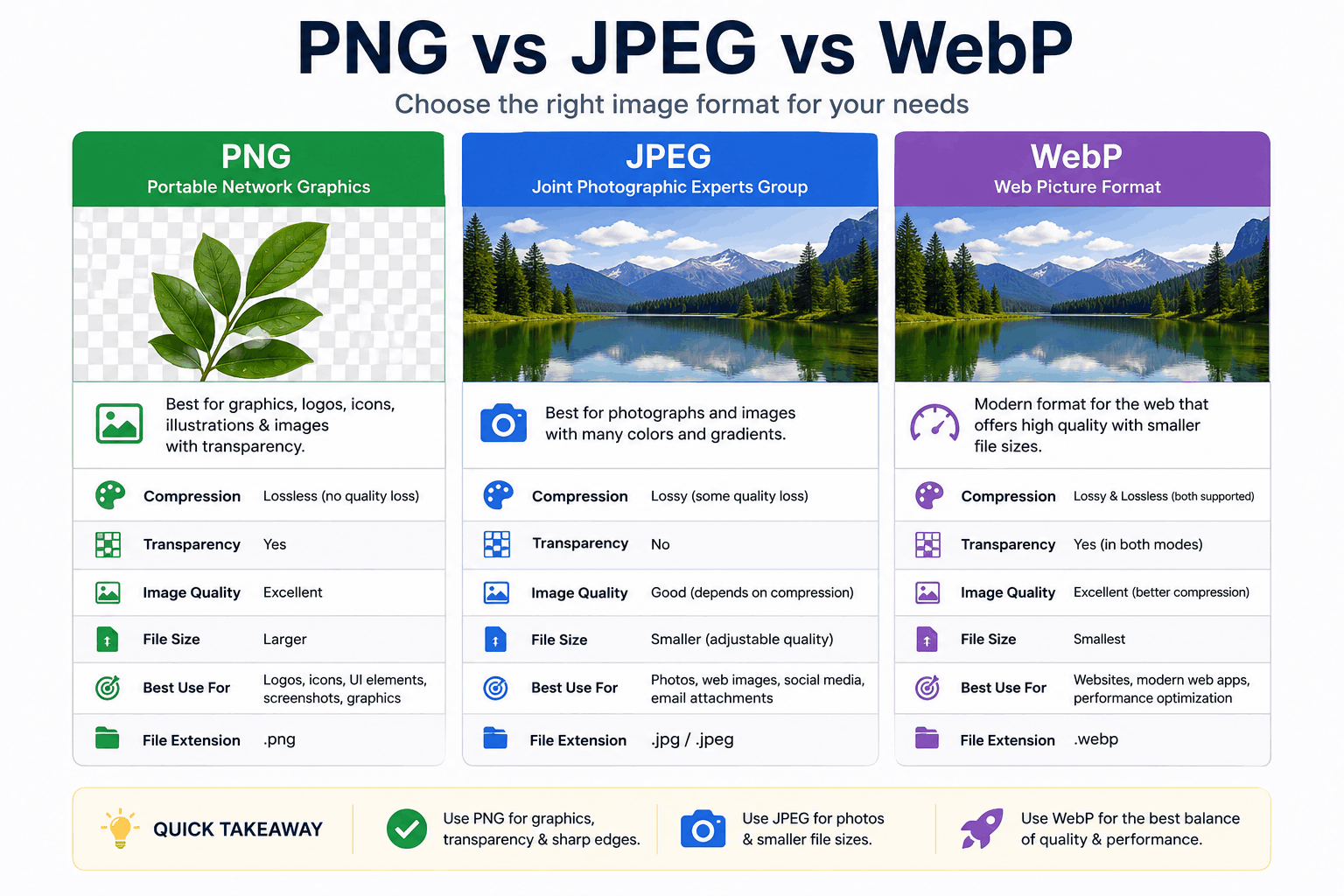
PNG vs JPEG vs WebP: Which Image Format Should You Use?
PNG, JPEG and WebP each win in different situations. Here's a clear, practical breakdown of when to use each — with real guidance on quality, transparency, and file size.